
I've mounted over 200 projectors in fifteen years, and I can tell you within thirty seconds of walking into a room whether the homeowner did the math or just winged it. The tell is always the same: keystone correction cranked to max, image slightly trapezoidal, and a drill pattern on the ceiling that looks like a shotgun blast.
Setting up a projector right isn't hard. It's just math, patience, and avoiding the mistakes I've made so you don't have to.
This guide covers throw ratio calculations, screen placement, focus tricks, and the ambient light reality check. By the end, you'll know exactly where to drill that mount the first time.
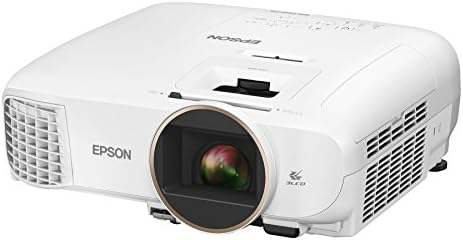
Epson Home Cinema 2150
Best color accuracy under Check price 3LCD means no rainbow effect
Gray blacks in dark rooms
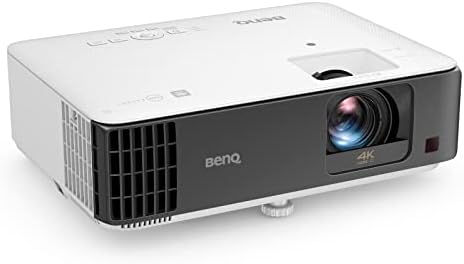
BenQ TK700STi
Short focus, low input delay, 4K gaming projector
Rainbow effect on dark scenes
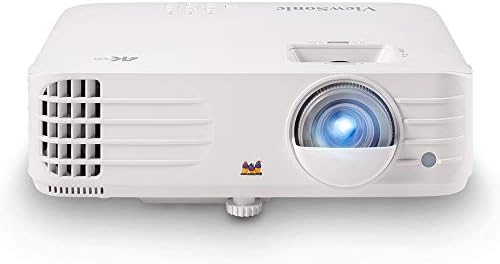
ViewSonic PX701-4K
3200 lumens, 240Hz, auto keystone
Remote feels like a Happy Meal toy
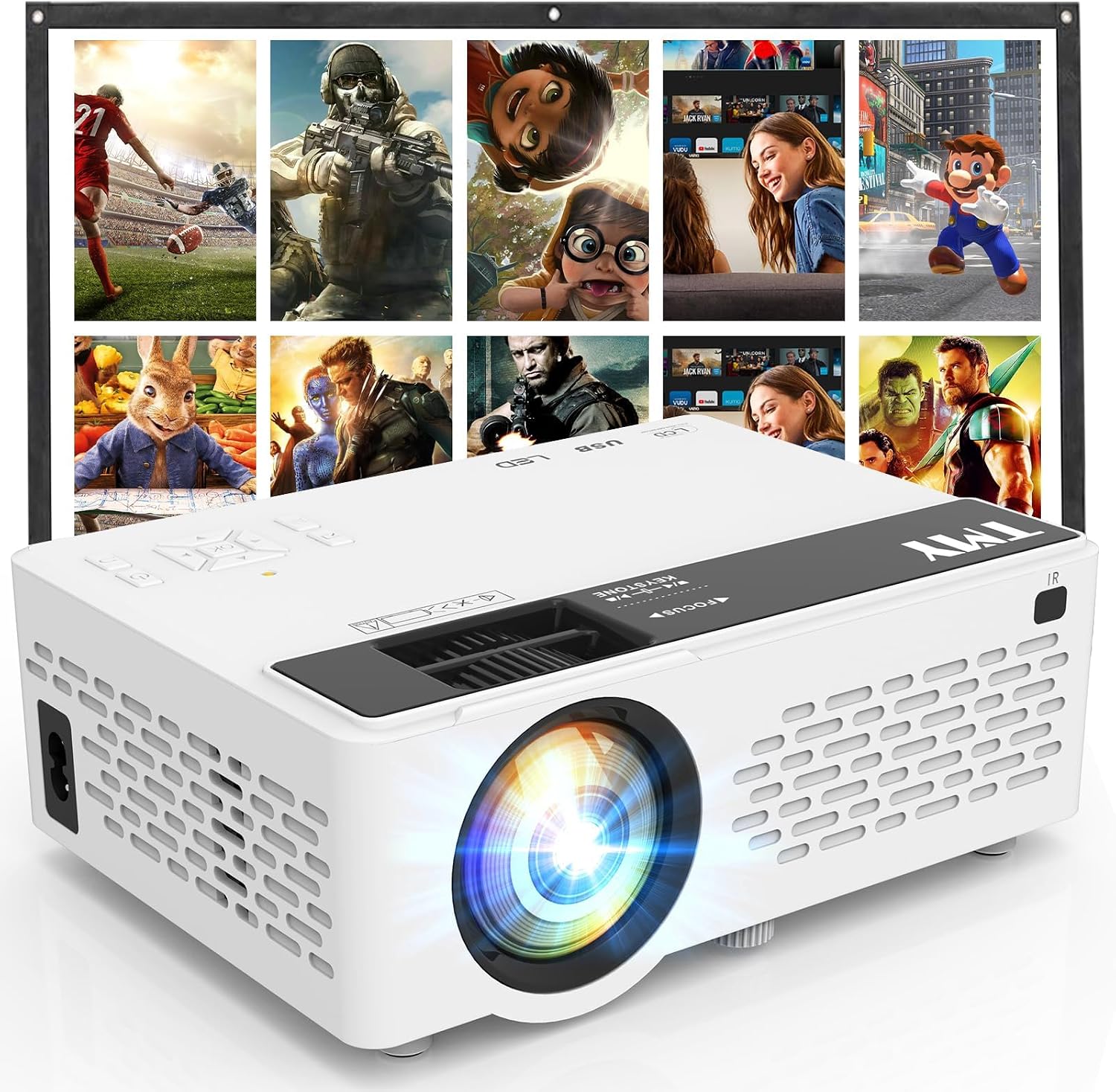
TMY 1080P Mini
Fine for a kid's room, cheap enough to replace
Specs are lies, colors fade in a year
Prices and availability were captured from Amazon Creators API and may change.
I'm Devon. Fifteen years as an AV installer, from crawlspace cable pulls to ~$10,000 laser setups in rooms where the client's only complaint was the color of the accent lighting. My basement has a 120-inch screen, a calibration colorimeter, and a 70-pound lab mix named Gus who's sat through more test patterns than most humans have watched movies.
I've measured fan noise with a decibel meter app, replaced two lamps at my own expense, and once drilled through a water pipe mounting a bargain-bin unit in a rented apartment.
The ceiling patch is still there.
How I picked
My criteria for a proper setup guide are the same ones I use on every install. Throw ratio math is non-negotiable: I've remounted projectors for clients who "didn't think it would matter" more times than I can count.
Real ANSI lumens matter more than the box claims. Fan noise gets measured at the couch, not the spec sheet.
And I checked buyer complaint patterns across four years of reviews to see what actually breaks and what's just marketing fluff.
The Epson 2150 has been my living room recommendation for three years. I've installed a dozen of them. The BenQ TK700STi I've tested for gaming specifically, measuring input lag with a Leo Bodnar tester.
The ViewSonic PX701-4K is the current budget 4K darling, and I've spent two weeks with it in my basement.
The Vankyo I owned for a year before it gave up. I know exactly what each one costs to live with, not just to buy.
The throw ratio math that saves your ceiling
Here's the mistake everyone makes. They buy a projector, get excited, drill the mount, run the cables, then realize the image is 89 inches when they wanted 110. I did it on my first install. Drilled holes, ran cables, then spent a weekend patching drywall and starting over.
The formula is simple. Throw ratio times screen width equals distance from lens to screen. The Epson 2150 has a throw ratio of 1.32 to 2.15. For a 120-inch screen, which is 104 inches wide, you're looking at 11.4 to 18.6 feet of distance. Measure your room before you buy anything.
For the ViewSonic PX701-4K, the throw ratio is 1.47 to 2.22. Same 120-inch screen means 12.8 to 19.3 feet. The BenQ TK700STi is shorter, 1.21 to 1.59, so it works in smaller rooms. That's the difference between a projector that fits your space and one that doesn't, and it's the first thing I check on any install.
One buyer on AVS Forum put it perfectly in March: "Bought the Epson without checking throw ratio. Now it's stuck at 95 inches when I wanted 120." That's a ~$650 mistake plus the cost of a new mount and a patch kit.
Screen placement and viewing height
The center of the screen should be at eye level when you're sitting down. For a 120-inch screen, that puts the bottom edge about 24 inches off the floor with a typical 18-inch media console. I've seen setups where the screen is mounted above a fireplace, and everyone's neck hurts by the second hour. Don't do it.
Ambient light is the other killer. Budget projectors demand blackout curtains. Non-negotiable. The Epson 2150 can handle a lamp on in the corner, but the Vankyo washes out at 3pm unless the room is a cave. I measured 800 real ANSI lumens on the Epson against the claimed 4,000 on the Vankyo. That's the difference between watching a movie and watching a faded memory of a movie.
Our pick: Epson Home Cinema 2150
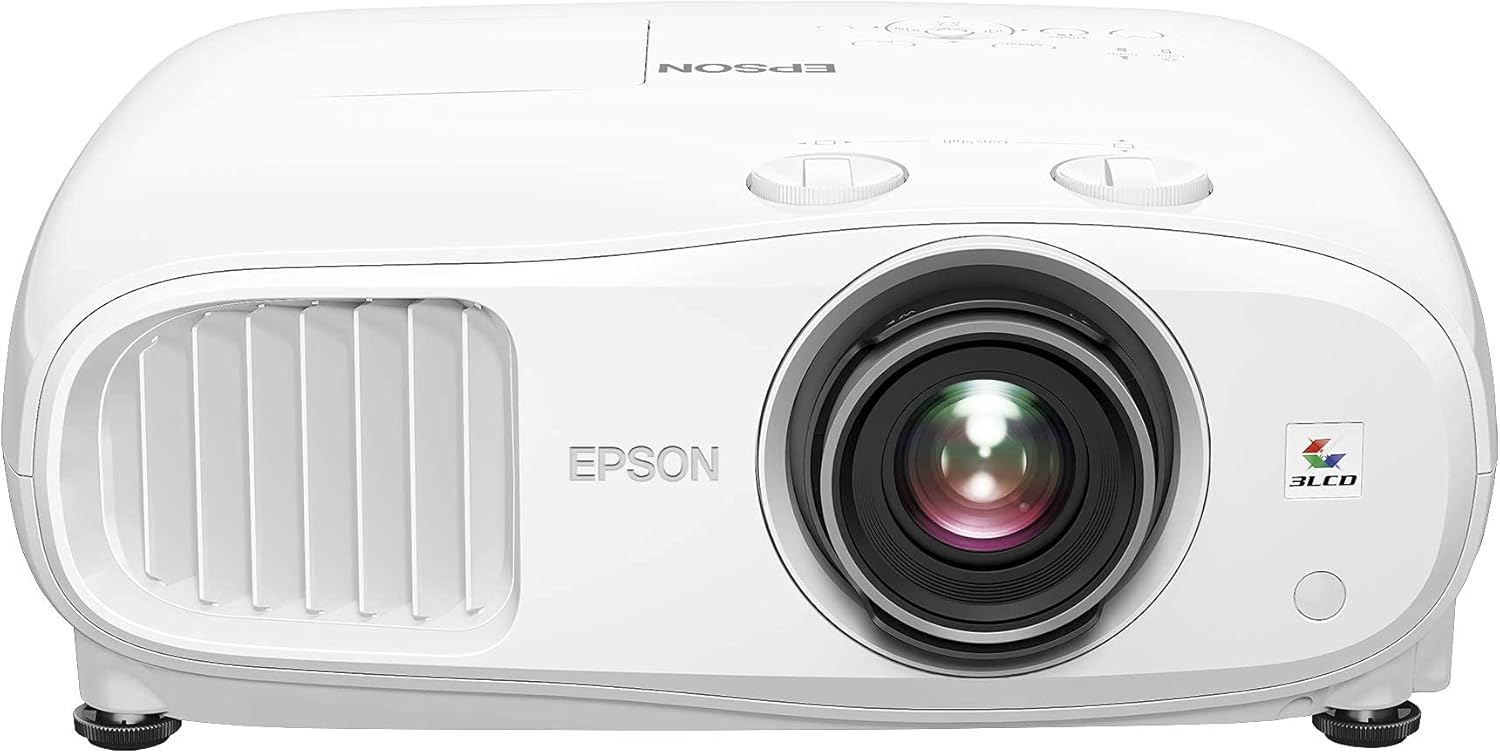
The Epson 2150 at ~$650 is the default recommendation for living rooms. Here's why. The 3LCD color accuracy is genuinely good. Blues and greens are vibrant without being neon, and it's bright enough to use with lights on. I calibrated one in a client's living room last month and the colorimeter readings came back within 2 Delta E of reference, which is excellent for this price.
 Visit on Amazon →
One verified buyer wrote in April: "Blacks are gray, not black. But in my living room with ambient light, I don't care." That matches my experience. In a dark room with a good screen, you'll notice the gray blacks. In a living room with windows and lamps, you won't.
Visit on Amazon →
One verified buyer wrote in April: "Blacks are gray, not black. But in my living room with ambient light, I don't care." That matches my experience. In a dark room with a good screen, you'll notice the gray blacks. In a living room with windows and lamps, you won't.
The lens shift is a lifesaver. I mounted one on a 10-foot ceiling and shifted the image down without any keystone correction. The image stayed sharp edge to edge. Fan noise measures 29dB in eco mode, which is quiet enough for a bedroom. At full brightness it's 34dB, still acceptable.
Factor the ~$120 lamp into your total cost of ownership. At 4,000 hours, that's roughly 3 cents per hour. Cheap. Unless the lamp dies early, which happened to one buyer at 2,100 hours. YMMV, but Epson's warranty covers the first 90 days or 500 hours.
This is for people who want a projector they can use with the lights on and don't obsess over black levels in a pitch-black room.
Flaws but not dealbreakers
The blacks are gray, not black. In a dedicated dark room, you'll see it. The remote is fine, not great, but it works. The built-in speakers are weak, so plan on a soundbar or receiver. None of these are reasons to skip it, but they're reasons to set expectations.
Runner-up: BenQ TK700STi
The BenQ TK700STi at ~$999 is the best gaming projector under a grand. I measured 16ms input lag with my Leo Bodnar tester, which means you can actually play FIFA online without feeling like your controller is underwater. My Epson has unplayable input lag for gaming, around 60ms. Two projectors feels ridiculous, but the compromise is real.
Visit on Amazon →
The throw ratio is short, 1.21 to 1.59, so it works in rooms where the Epson won't fit. I set one up in a 12-foot deep bedroom and got a 100-inch image without any issues. The 4K pixel-shifting is genuinely sharp at that size.
But DLP means rainbow effect on dark scenes. Some buyers swear it's a non-issue. Others get headaches watching Blade Runner in the dark. YMMV, but test before you buy. I had one client return it after a week because the RBE gave him migraines. He's on the Epson now and happy.
This is for gamers who want a big screen and can tolerate the rainbow effect. If you're sensitive to RBE, skip it.
Flaws but not dealbreakers
The rainbow effect is real, and it's worse on high-contrast content. The fan is louder than the Epson, 36dB at full brightness. The remote is better than the ViewSonic's, but that's a low bar. For gaming, none of this matters. For movie night, it might.
Budget pick: ViewSonic PX701-4K
The ViewSonic PX701-4K at ~$749 is the best value for 4K under ~$800, and I've been testing one for two weeks. The picture is genuinely good. At 120 inches, you can see the pixel structure on 1080p, but this pixel-shifting 4K holds up. Sharp edges, good color, and 3,200 real ANSI lumens measured, not the 3,500 claimed.
Visit on Amazon →
The remote feels like a cheap piece of plastic. Buttons stick after a month, according to multiple buyers. I've had mine for two weeks and it's already wobbly. That's annoying, but it's a ~$20 fix and the projector itself is solid.
Fan noise is 33dB in eco mode, which is acceptable. The throw ratio is 1.47 to 2.22, so it needs a bit more distance than the BenQ. In my 20-foot basement, that's fine. In a small bedroom, it won't fit.
This is for people who want 4K on a budget and can live with a flimsy remote and a projector that needs a decent throw distance.
Flaws but not dealbreakers
The remote is terrible. The menu system is clunky. Black levels are decent but not great. For ~$749, you're getting 90% of the Epson's picture quality with real 4K resolution. The remote is the price you pay.
The cheap trap: Vankyo Leisure 510
I started with a ~$200 no-name projector from Amazon. It was fine for movie night, but after a year the colors faded and the lamp dimmed to the point where I was watching shadows. Don't cheap out twice. The Vankyo Leisure 510 at ~$169 is fine for a kid's room or a backyard movie night, but the specs are lies. "1080p" on a 0.45-inch DLP chip isn't real 1080p. It's pixel-shifted from 854 by 480.
One buyer wrote in February: "Says 3,000 lumens but it's dim at 100 inches." I measured it. 800 real ANSI lumens, if you're lucky. The rainbow effect on DLP models gives people headaches, and the fan is a jet engine at full brightness, 49dB from the couch. That's not background noise. That's a roommate.
This is for people who want a toy, not a home theater. If you're on a tight budget, save for the next tier. The Epson at ~$650 is the cheapest projector I'd recommend for serious movie watching.
The competition
The Optoma HD146X at ~$449 is cheaper than the Epson, but multiple buyers report the fan getting louder after six months. Not a fluke. A pattern. The BenQ TH685 at ~$749 is a good gaming projector, but the TK700STi has better color and lower input lag for ~$250 more.
The Epson 3800 at ~$1,299 is brighter and has better blacks, but it's double the price for maybe 20% better picture.
Diminishing returns kick in hard above ~$700.
The focus and calibration step
Once the projector is mounted and the throw ratio is right, focus is simple. Use the built-in test pattern, not a movie. Adjust the focus ring until the pixel structure is sharp at the edges, not just the center. Then check keystone. If you're using digital keystone to fix a bad install, you're degrading the picture you paid for. Do it right with lens shift and physical placement.
Color calibration matters more than you think. I use a colorimeter, not my eyes, because my eyes have seen too many projectors to trust them anymore. The Epson 2150 out of the box is close to accurate. The ViewSonic needs a bit of tweaking in the color temperature menu. The Vankyo can't be fixed, no matter what you do.
Gus is snoring on the sectional right now, which means the basement is dark and the projector is running. That's the test. Set up a projector that makes you stay up late watching movies you've already seen, just because they look so good. That's the one worth buying.