I have been hanging projectors for fifteen years, and the question I get from friends is never "which one is best." It is always "which one fits the room I actually have." That is why any honest 4K home theater projector comparison has to start with the room instead of the spec sheet. Four very different machines are on the table here: a flagship Epson laser built for dedicated rooms, a mainstream Epson 4K streaming model for living rooms, a compact InFocus laser aimed at boardrooms and classrooms, and a portable Aurzen that runs on USB-C power and lives for backyard nights.
The short answer: if you can control the light, the Epson Home Cinema LS11000 is the projector I would build a room around. If you cannot, the Epson Home Cinema 2350 is the smarter buy. The InFocus INL144 and the Aurzen Roku TV D1R are not lesser versions of those two. They answer entirely different questions.
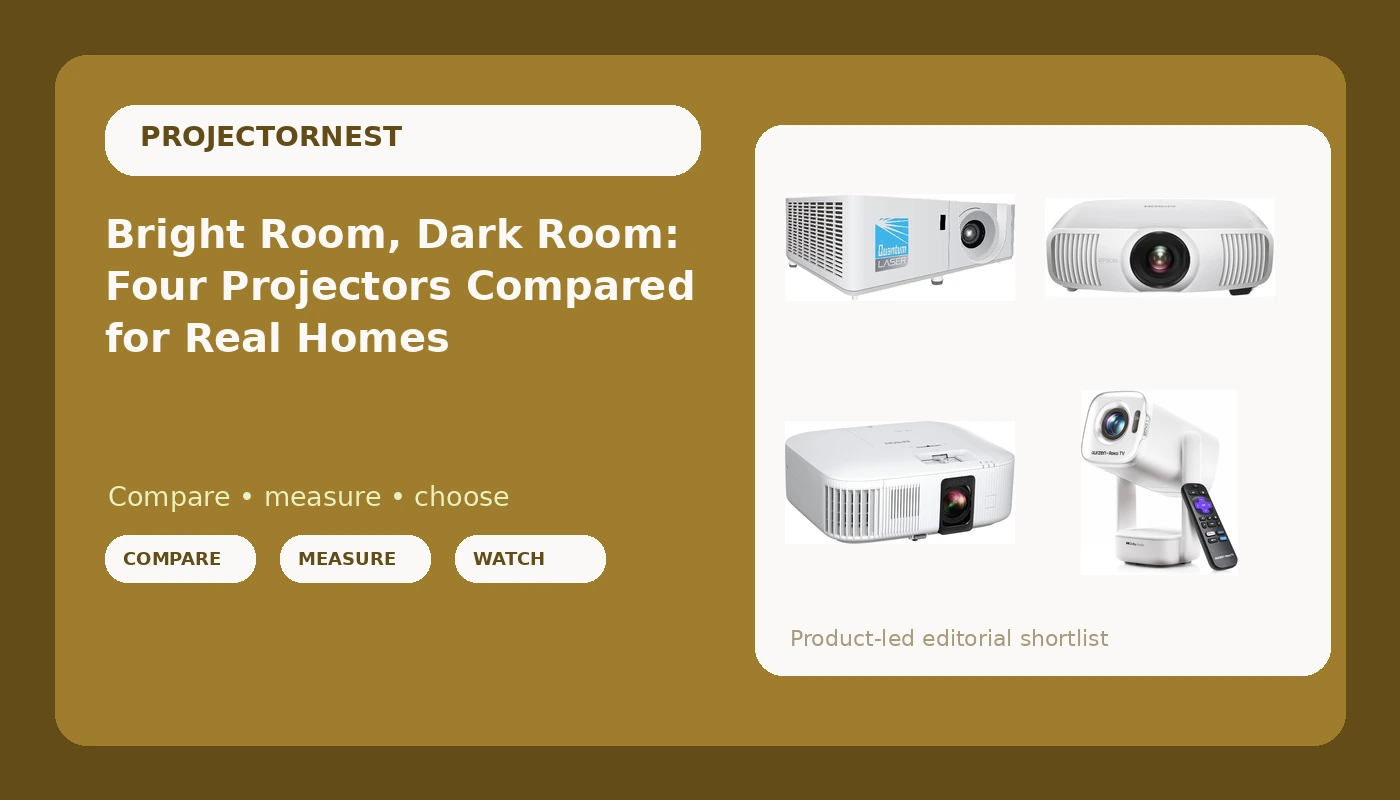
Epson Home Cinema LS11000
Laser light source, 2,500 lumens color and white brightness, motorized lens with shift, zoom and focus, HDMI 2.1 and 120 Hz for gaming
Premium price, and it is wasted in a room you cannot darken
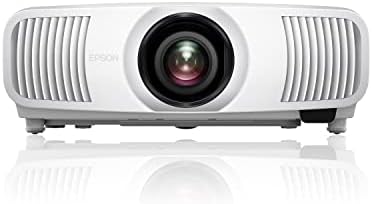
Epson Home Cinema 2350
4K PRO-UHD home cinema with Android TV built in, so there is no streaming stick hanging off the back
Epson does not sell it as a laser, so a lamp is part of long term ownership
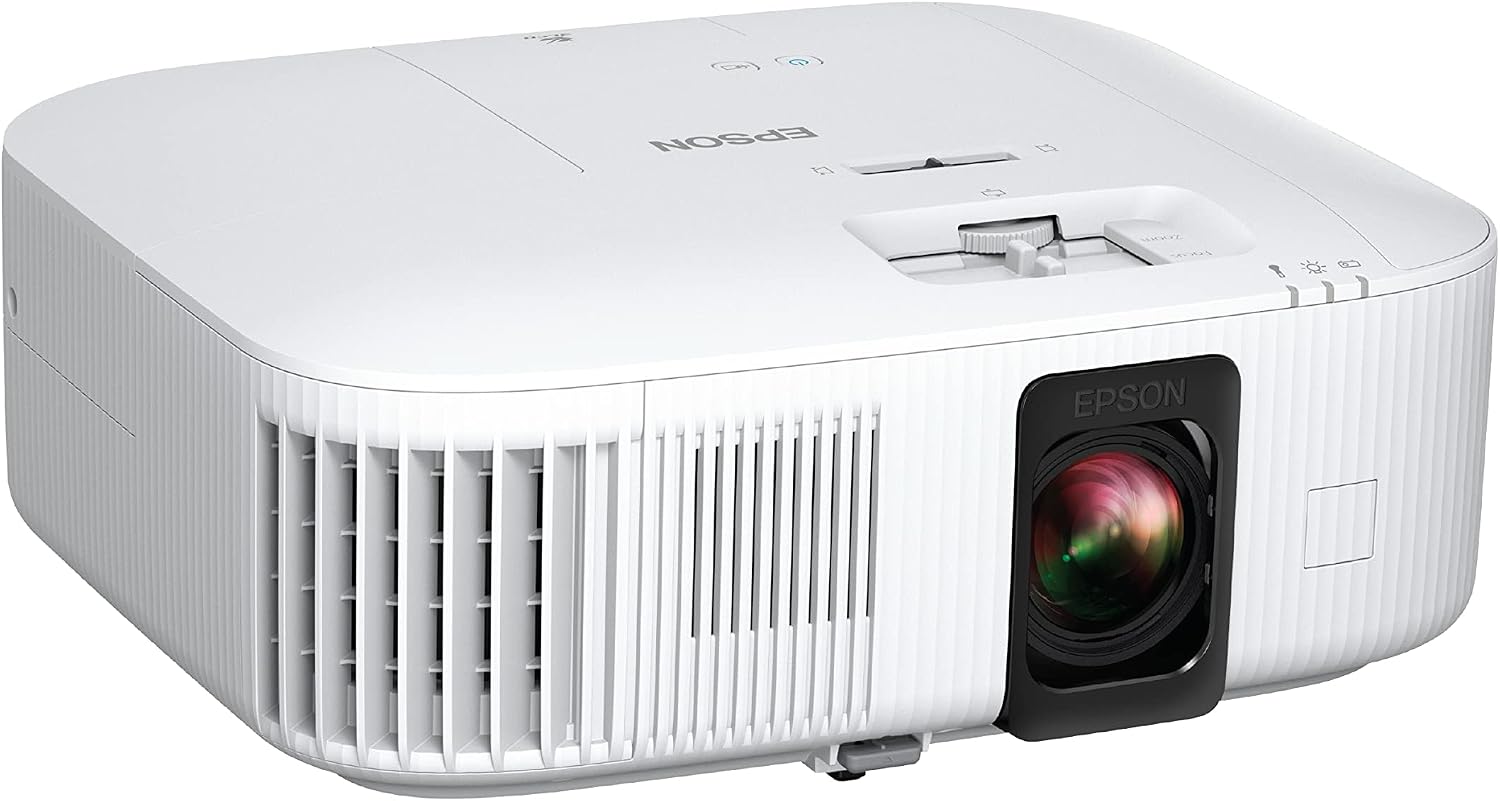
InFocus Core Series INL144
Laser light source with no lamp swaps, XGA resolution is plenty for slides, signage and text, compact enough for a cart
XGA is a 4:3 business format, not a movie format, and it will not satisfy a 4K disc collection
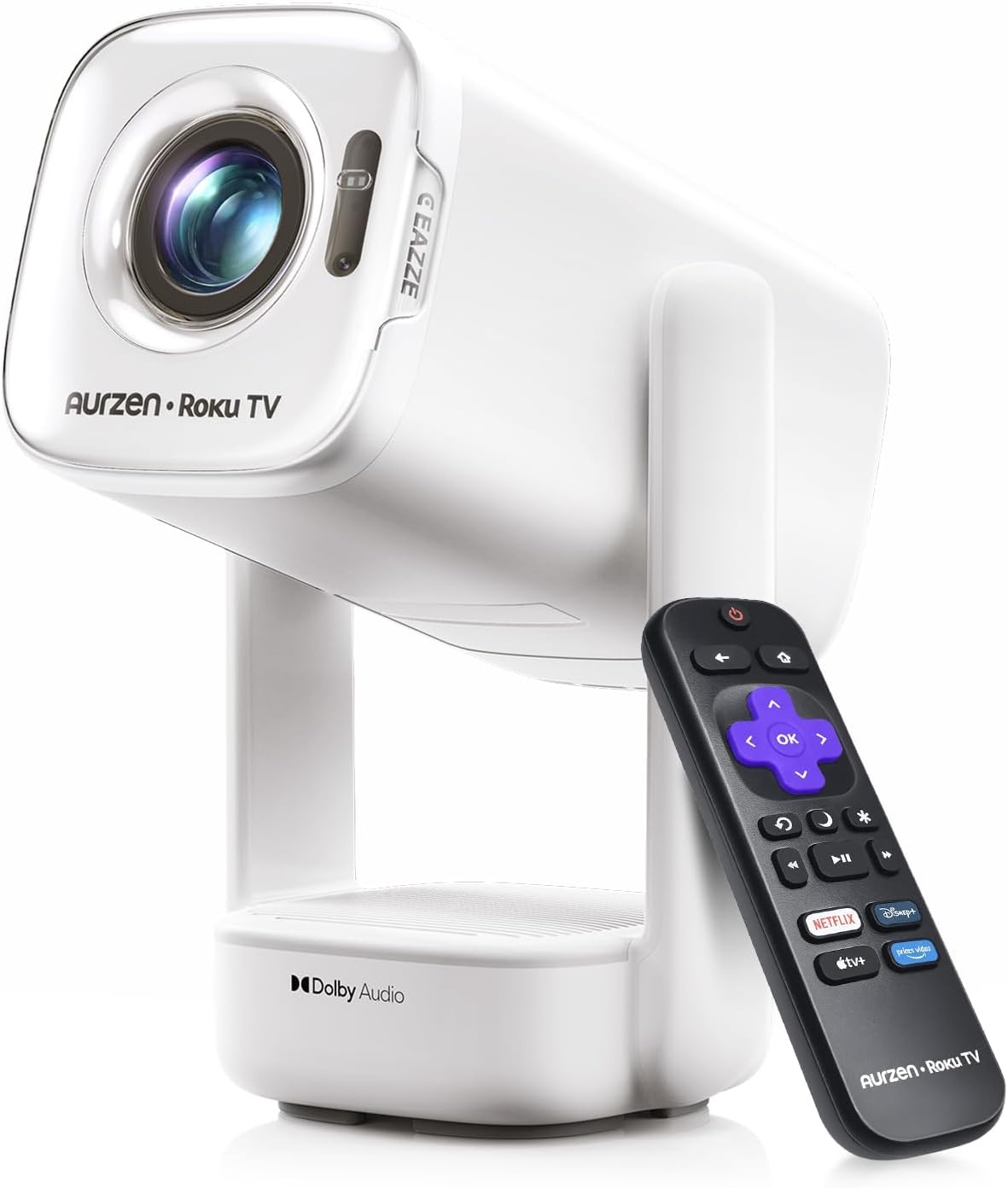
Aurzen Roku TV D1R air
USB-C powered, Roku TV streaming built in, light enough to carry outside, white shell disappears on a patio
Portable brightness cannot fight a lit room, and it is not a replacement for a fixed home theater projector
Prices and availability were captured from Amazon Creators API and may change.
How I judge a projector before it goes on the ceiling
Brightness first, always. Not "lumens," ANSI lumens, and if a brand will not quote ANSI, assume the worst number you can imagine and then subtract a little. A projector is a light cannon pointed at a wall, and every photon that lands on the screen has to beat every photon of ambient light that lands there too. This is why a $5,000 projector in a bright room loses to a $1,000 projector in a dark room. Room control wins. Blackout curtains, a dark wall behind the screen, and one lamp you can switch off will do more for your picture than any upgrade on this page.
Second, the lens. This is the spec nobody advertises and the one that decides whether your install is clean or ugly. Motorized zoom, focus and lens shift mean you can put the projector on a shelf and dial the image into place with a remote instead of climbing a ladder and shimming the mount. Fixed throw lenses mean you move furniture to fit the projector, which is backwards. Throw ratio is simple math: 1.2 means 1.2 feet of distance for every foot of image width. Do that math before you buy, not after.
Third, the chip. "4K UHD" on a 1080p DLP chip is a marketing department doing gymnastics. Pixel shifting is a real technique and it genuinely works, but I want to know which method I am buying so I am not surprised by what I see on a test pattern.
Fourth, fan noise. A projector that drowns quiet dialogue in the second act is a projector you stop using. Laser units tend to run cooler and quieter than lamp units at the same brightness, which matters more than any spec sheet line.
Epson Home Cinema LS11000: the room-builder
This is the projector on this list that behaves like installed infrastructure rather than a gadget. It is a 4K PRO-UHD laser with 2,500 lumens of color and white brightness, which is the honest way to quote brightness: color and white together, not one inflated number. The laser light source means no lamp to replace on a schedule, so the cost of ownership after purchase is mostly your electricity bill.
The part I care about most is the motorized lens with lens shift, focus and zoom. That combination is what separates a professional install from a weekend experiment. You set the projector where it is convenient, not where the geometry demands, and you correct the image electronically. Add HDMI 2.1 and 120 Hz support and this is also the pick for anyone who wants a big screen for gaming without the smear that cheaper panels show in fast pans.
Who it is for: a dedicated room, a 100 to 120 inch screen, controlled light, and a buyer who wants to hang it once and forget it. Who it is not for: someone with a wall of west-facing windows and no plan to cover them.
Epson Home Cinema 2350: the living room default
The 2350 is the projector I would recommend to the friend who says "I want a big picture in my living room and I do not want a project." It is a 4K PRO-UHD smart streaming projector with Android TV built in, which means the streaming apps live inside the projector. No Fire Stick dangling from the back, no second remote, no HDMI port sacrificed to a dongle.
That integration is the whole argument. A living room projector has to be easy, because the moment it takes four steps to watch something, the family stops using it and the TV wins by default. Android TV onboard collapses that to one step.
The trade-off is honest and simple: Epson does not market this as a laser, so plan on a lamp and plan on replacing it eventually. Lamp hours on this class of projector are measured in thousands, not tens of thousands. If you watch two movies a week, that is years of service, and a replacement lamp is cheap compared to a new projector. If you leave it on eight hours a day as a TV replacement, the math changes and the laser LS11000 starts to look like the cheaper machine over time.
InFocus Core Series INL144: the laser workhorse
Every projector list like this one quietly ignores the workhorse, so let me not do that. The INL144 is an XGA laser projector. XGA means 1024 by 768, a 4:3 format, and that is not a knock. It is a deliberate choice for slides, spreadsheets, menus, dashboards, lobby signage and classrooms, where sharp text beats cinematic black levels every single time.
The laser light source is the real story. No lamp to swap, no dimming curve as the bulb ages, no ladder work in the middle of a semester or a sales quarter. For a small business, a church, a restaurant with a menu board, or a training room that runs all day, that reliability is worth more than resolution.
Where it loses is obvious: this is not a movie projector. Feed it a widescreen film and you are watching a 4:3 image with letterboxing, at a resolution that predates 4K by a couple of generations. If your goal is a home theater, buy the Epson. If your goal is a projector that turns on every morning for five years without drama, this is the one.
Aurzen Roku TV D1R: the backyard pick
The D1R is the odd one out and the most fun. It is USB-C powered, it runs Roku TV internally, and it is built to be carried. White housing, small footprint, and a smart platform that already knows your streaming logins. For a backyard movie night, a camping trip, a kid's sleepover, or a rental where you are not drilling into anything, this is the category that actually gets used.
Set expectations correctly and you will love it. A portable projector trades brightness for size, so it wants a dark environment: after sunset on a patio, a dim room with the blinds closed, a white wall or a stretched sheet. Do not buy it to replace a living room TV, and do not buy it to fight a room full of daylight, because no projector in this size class wins that fight.
What it does better than anything else here is remove friction. No mount, no ceiling, no wiring run, no calibration session. Plug in USB-C power, point it at a wall, and you are watching in ninety seconds. That is a different product category, and judging it by home theater standards misses the point.
The trade-offs nobody prints on the box
Contrast ratio marketing numbers are fiction. Every brand quotes a ratio measured in a black room with a specific test pattern, and none of those numbers survive contact with your beige walls and your floor lamp. Real contrast is measured with your eyes, in your room, at night, with the content you actually watch.
The resolution conversation is also messier than the badge suggests. 4K is meaningless on a cheap DLP chip that cannot resolve it, but pixel shifting is fine and it works. What matters is whether the projector puts enough light on screen and enough control in the lens to make the image look right in your space.
Then there is the quiet cost: fan noise, heat, and where the cables go. A projector is a system, not a box. Budget for the mount, the screen, the cabling, and a power outlet in the right place. The people who hate their projectors are almost always the people who skipped that part.
Matching the projector to the room you have
Here is the framework I use, and it has never failed me.
Blacked-out dedicated room, 100 inches or more, movies and gaming: Epson Home Cinema LS11000. The laser, the 2,500 lumens, and the motorized lens with shift and zoom are exactly what that room rewards.
Normal living room, windows, streaming every night, family use: Epson Home Cinema 2350. Android TV inside the chassis and 4K PRO-UHD is the right combination for a room where convenience decides whether the projector gets used.
Boardroom, classroom, restaurant, lobby, all-day duty: InFocus Core Series INL144. XGA and a laser engine, no lamp maintenance, no drama.
Backyard, patio, travel, temporary setup: Aurzen Roku TV D1R air. USB-C power, Roku TV onboard, carry it in one hand.
Notice that no single row wins every scenario, which is the honest answer to almost every "which projector is best" question. The best projector is the one whose weaknesses do not overlap with your room's problems.
What I am watching next
I am still calibrating across two rooms this fall, one blacked-out theater and one living room with windows, because that contrast is where real buying decisions live. The pattern keeps repeating: the projector that looks best in a showroom is rarely the projector that looks best in your house. Measure your room, decide what you can control, and buy for that. Then spend the leftover budget on a screen and a blackout curtain. You will get more picture out of those two purchases than out of any upgrade on this list.